LFNW 2026

LinuxFest Northwest 2026: Worth the Trip

I made it to Bellingham this spring for LinuxFest Northwest, and I get why this event has been earning its reputation for 27 years.

This is not a conference where corporations show up to scan badges and hand out tote bags. No lead capture, no forced networking. Just a few hundred people who actually care about Linux, gathered in a walkable waterfront city on a genuinely beautiful spring weekend. The crowd skews toward students, hobbyists, longtime contributors, and the kind of sysadmins who have strong opinions about their chosen terminal emulator. The conversations are real, and the community is tight.
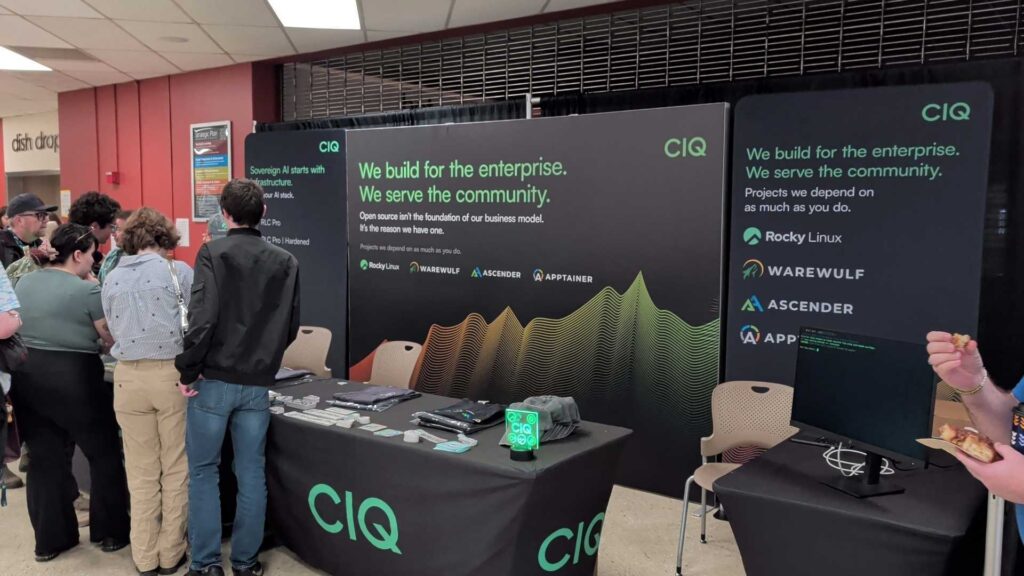
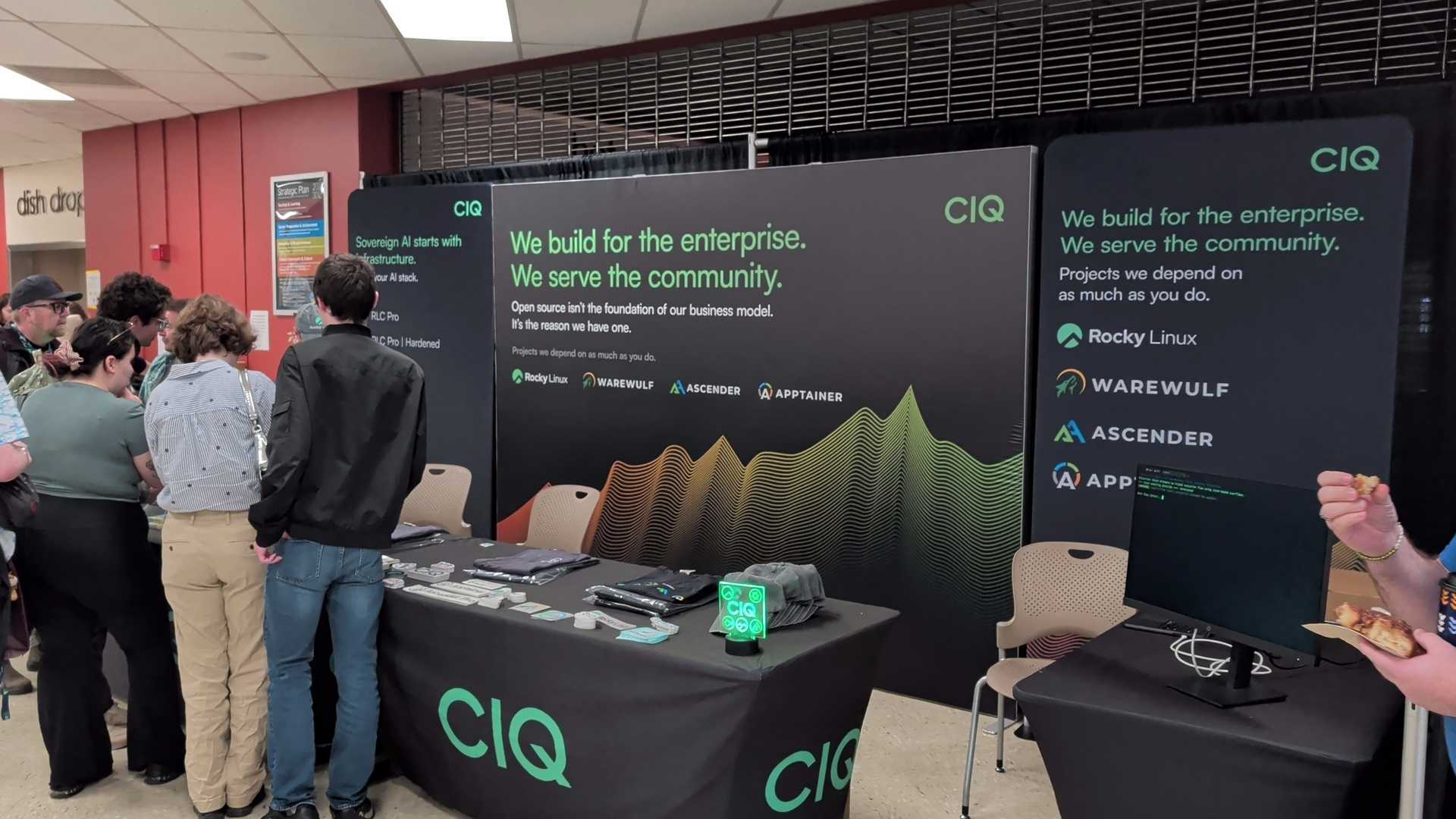
I was there representing CIQ and the Rocky Linux project alongside R. Leigh Hennig, one of Rocky’s cofounders, and a few others from the CIQ team. Having people who are genuinely part of the project made a difference on the floor. We talked migrations, automations, home lab setups, and what people are actually running in production. Good questions from people who know their stuff.

The social side matched the rest of it. Friday night at Beach Cat Brewery brought together folks from RESF, Microsoft, Fedora, CentOS, and a mix of attendees and volunteers. Saturday was dinner at Brandywine Kitchen and drinks at The Den. The kind of cross-community connection that does not happen on Slack.

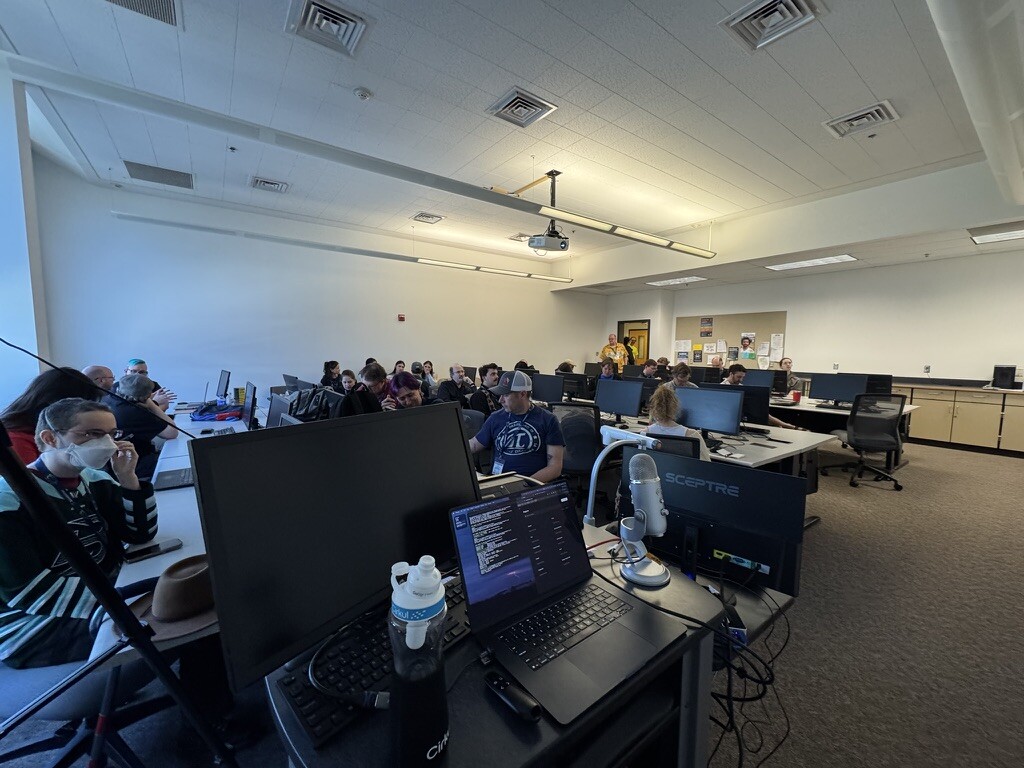
I gave a talk called “Escaping the End-of-Life Nightmare: Lessons from the Linux Graveyard,” aimed at anyone who has ever inherited a server running something two major versions past EOL. It drew around 25 people and led to some good conversations afterward. When the recording goes up I will share it here.
If you have never been to LFNW, put it on your list. Bellingham is a great place to spend a spring weekend, and the community there is worth showing up for.
FP054

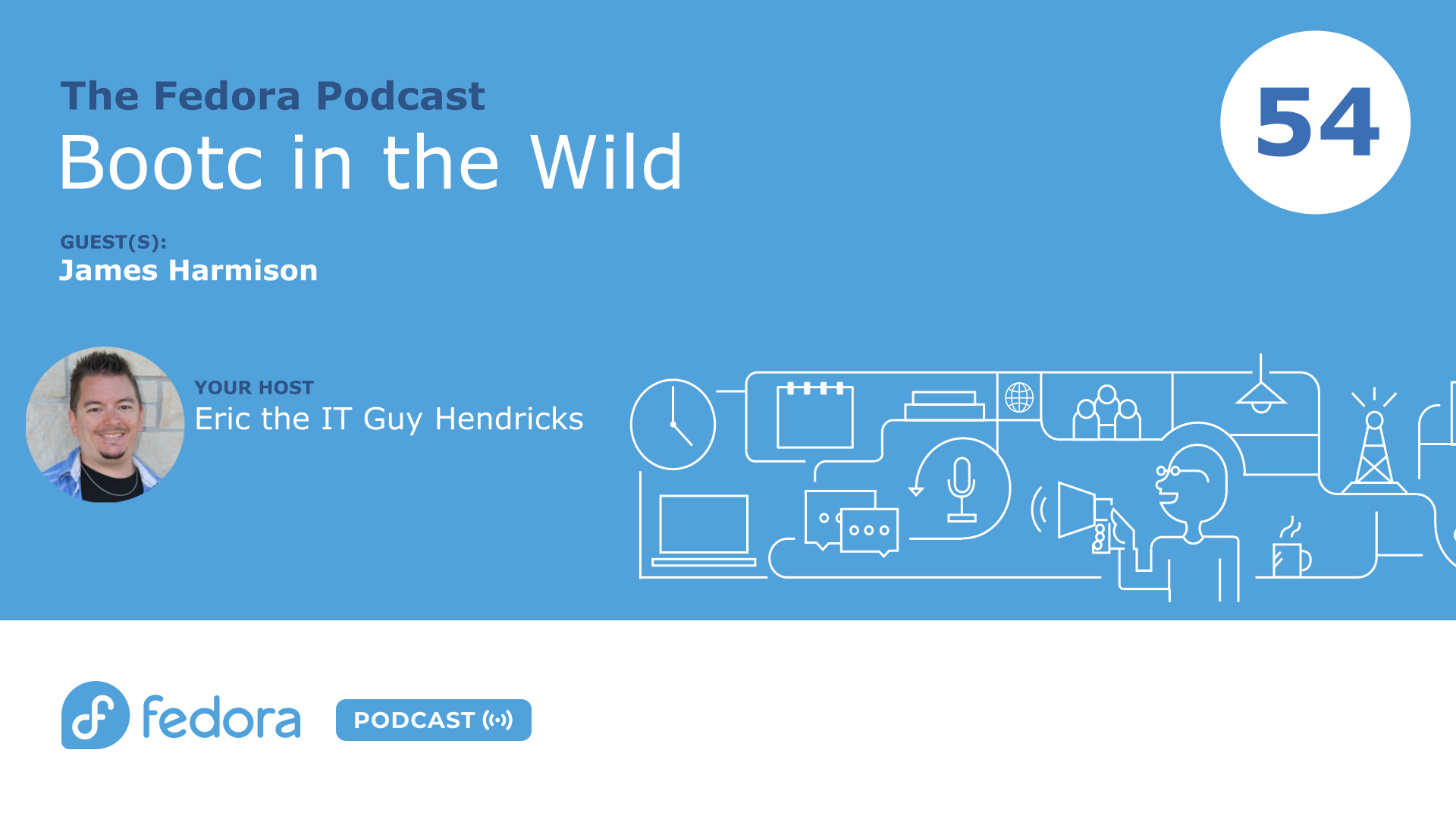
Bootc in Production: What It Actually Looks Like | Fedora Podcast Ep. 054

Episode 54 of the Fedora Podcast is out, and this one digs into something I am genuinely curious about for my own homelab: what does bootc look like when someone is actually running it day to day, not just kicking the tires?

https://youtu.be/6_ZzEIvNySc

James Harmison joined me to walk through how he uses bootc across a pretty wild range of contexts, from his personal laptops and a stripped-down SteamOS-style couch gaming rig, to swapping kernels in OpenShift for AMD GPU support at work. His setup replaces the traditional dotfiles repo entirely, bakes kernel modules directly into the image so DKMS and akmod are completely gone, and runs CI on his homelab to rebuild the image on every commit. It is the kind of thing that sounds overcomplicated until he explains it, and then it sounds like the only sane way to manage a system.

We also spent time on Chunkah, an upstream project working on smarter container image chunking for bootc. James was one of the first people to stress test it on a large image and found some real problems with the packing algorithm. He helped kick off the conversations that are now shaping the next release. That is the kind of quiet upstream contribution that does not always get attention but genuinely moves the project forward.

If you are curious about bootc and want to hear from someone who has been living in it for a couple of years, this episode is a solid starting point.

Listen to the full episode on the Fedora Podcast: Bootc in the Wild | Episode 054

This is the kind of conversation that fits right in the middle of my broader interest in where Linux infrastructure is heading, both for homelabs and production environments.

GPU-Ready AI on Azure

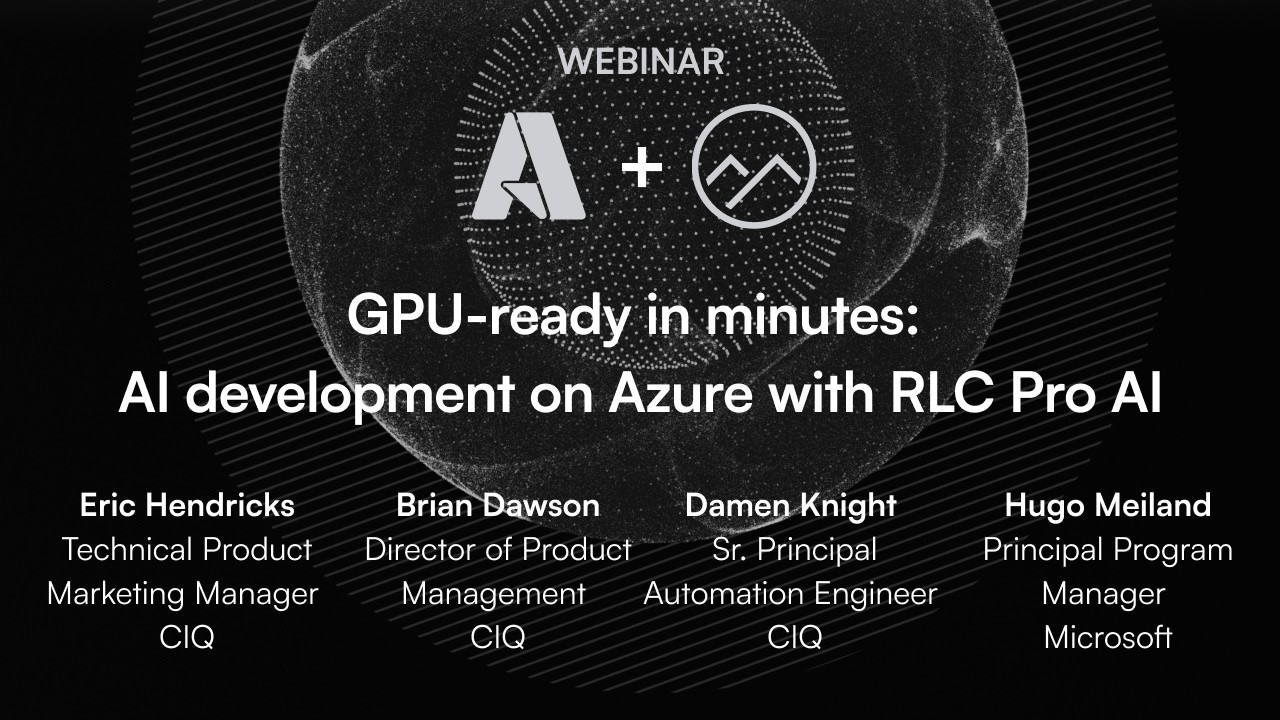
GPU-Ready in Minutes: Running AI on Azure with RLC Pro AI

Getting from the Azure Marketplace to actual inference used to mean a day of driver archaeology. This webinar with Brian Dawson, Damon Knight, and Hugo from Microsoft Azure’s core engineering team is about what happens when that problem is mostly solved.

We started where most of these conversations start, which is the pain. Damon has done this setup process more times than anyone should have to, across Ubuntu, Red Hat, SUSE, and Rocky, and his description of what a typical deployment looks like before RLC Pro AI is the kind of thing that gives sysadmins flashbacks. Figuring out which drivers go with which CUDA version, whether Torch compiled for the GPU or the CPU, whether you need the CUDA toolkit on top of CUDA, and whether that first reboot is the last reboot. Brian made the point that even his conservative estimate of time saved turned out to be underselling the problem after he talked to analysts who work in this space full time.

The demos cut through a lot of that. Damon showed a fresh RLC Pro AI instance in Azure spinning up Jupyter Notebook on an H100, validating GPU access with Nvidia SMI, and running tensor math in Python, with most of the time going to Docker setup rather than anything AI-specific. The second demo was more involved: a full RAG chatbot using Microsoft’s Phi-4 model and the Open Platform for Enterprise AI reference implementation, running on an RTX preview host. Upload a PDF, ask it questions, get answers grounded in your document. Start to finish, about ten minutes.

Hugo brought a useful perspective from the Azure side. Because Azure VM types are homogeneous across regions, partners can optimize once and trust that the results hold everywhere. That consistency matters a lot when you are trying to build something repeatable. He also gave a preview of what is coming on the hardware side, including the RTX 6000 Pro hitting general availability soon and ongoing work on GB200 and GB300 deployments.

If you have been waiting for a reason to actually try running your own AI instead of just reading about it, this is a pretty good starting point. Subscribe to The IT Guy Show on YouTube and follow along at itguyeric.com for more.

Deploying on Google Cloud

Deploy RLC Pro on Google Cloud Marketplace

I wrote this deployment guide for CIQ, walking through how to get RLC Pro up and running on Google Cloud Marketplace from start to a live VM.

Google was one of the first hyperscalers to back the Rocky Linux project, and CIQ has partnered with them to deliver optimized Rocky Linux images built specifically for Google Compute Engine. RLC Pro is the enterprise layer on top of that: Long-Term Support for specific minor versions, FIPS 140-3 validated packages, and an actual vendor to call when something breaks.

The post covers what you get with a subscription, why LTS minor version pinning matters for compliance frameworks like FedRAMP and CMMC, and how to get from the Marketplace listing to a running VM in a few steps.

Read the full post on CIQ: How to Deploy RLC Pro on Google Cloud

RLC Pro Deploy on AWS

Deploy RLC Pro on AWS Marketplace

I wrote this guide for CIQ covering how to get RLC Pro running on AWS, from the Marketplace listing to a live EC2 instance with LTS and FIPS available.

The post makes the case that most teams standing up Enterprise Linux on AWS spend too much time configuring things that should have shipped with the image. RLC Pro skips that. The AMI comes pre-configured with CIQ repository access, and enabling LTS pinning or FIPS 140-3 validated packages is a single step after launch.

I covered the full picture: what Long-Term Support actually means for compliance and QA cycles, why FIPS 140-3 matters for FedRAMP and CMMC-scoped workloads, and how Enterprise Linux binary compatibility means your existing Ansible playbooks and automation carry over without changes.

Read the full post on CIQ: How to Deploy RLC Pro on AWS

This is part of a series I produced at CIQ on deploying RLC Pro across major cloud providers, making enterprise Linux accessible wherever your infrastructure lives.

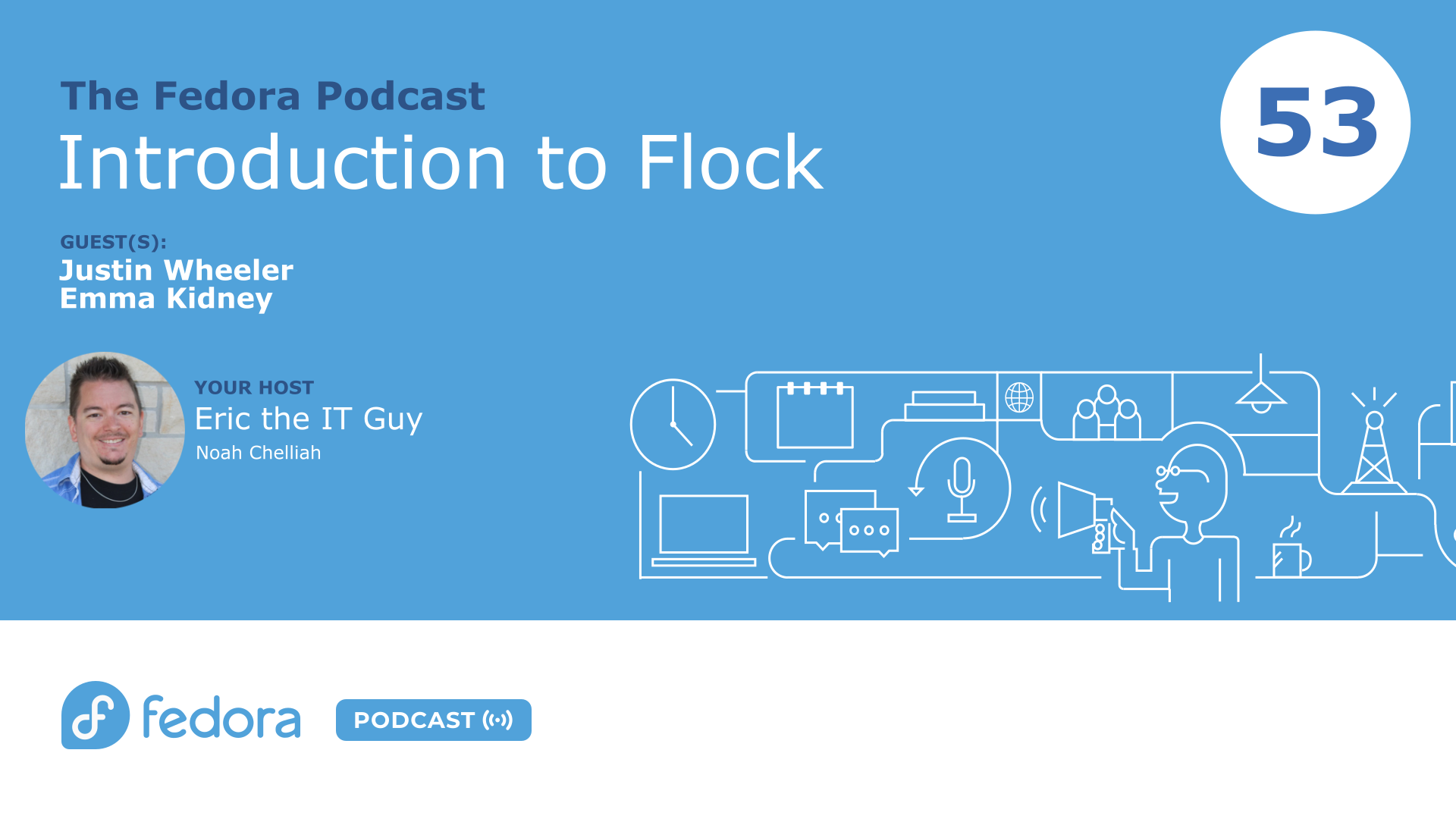
Introduction to Flock | Fedora Podcast 053

Flock to Fedora 2026: What to Expect in Prague

Flock to Fedora 2026 is heading back to Prague this June, and on episode 53 of the Fedora Podcast, Noah and I sat down with Justin Wheeler and Emma from the Fedora design team to talk through everything contributors and community members need to know.

For anyone who hasn’t been, Flock is the Fedora Project’s annual contributor conference — not a sales event, not a product launch, just the place where a global community of mostly volunteers gets together once a year to do real work, set direction, and remind themselves why they got into open source in the first place. Justin, who serves as Fedora Community Architect at Red Hat, described it well: it’s where you go to fuel up on the energy that carries you through the rest of the year. That tracks with my own experience. Some of the best conversations in open source happen at a table at midnight over bad food and good drinks.

The decision to return to Prague for a second consecutive year was a deliberate one. Travel anxiety into the US is real for a significant portion of the global Fedora community right now, and the Prague venue worked exceptionally well last year — accessible by train and plane, flexible space, and existing relationships with the hotel. Justin was transparent that this isn’t a new permanent model, just a practical call that let the team focus on improving the conference itself rather than rebuilding logistics from scratch in a new city.

The design theme for Flock 2026 is Alchemy, and Emma walked us through the research behind it. Prague’s history with alchemy traces back to Emperor Rudolph II, who brought Europe’s top alchemists to the city during his reign in the 1500s in pursuit of the philosopher’s stone. The design team ran a community vote on potential themes and alchemy won, which gave them a rich visual direction — medieval manuscripts, heraldic imagery, the Fedora four foundations rendered as elemental colors radiating from a stone. Fedora’s Flock mascot Kulora returns dressed as an alchemist this year, searching not for the philosopher’s stone but for Fedora itself. Emma is also reworking the design process to build a shared asset library so newer contributors can pick up design tickets without starting from a blank canvas.

As for the schedule: the conference runs June 14th through 16th, Sunday through Tuesday. Sunday is “Day Zero” — an offline workshop day with no AV and no plenary sessions, just hands-on working time for teams and SIGs to actually get things done face to face. Day One and Day Two follow a mirror structure: one opens with a single plenary track then breaks into three simultaneous recorded breakouts after lunch, the other does it in reverse. Both days will be live streamed so remote attendees can follow along. Registration is free, but you need to sign up in advance to get food, swag, and a conference t-shirt — and based on what Emma described about the alchemy branding, you’re going to want the t-shirt. Financial aid is also available for those who need it.

You can register now at fedoraproject.org/flock2026 and hang out in the #flock:fedoraproject.org room on Matrix if you have questions. Hope to see some of you in Prague.

Deploy RLC Pro on Azure

Deploy RLC Pro on Microsoft Azure Marketplace

I wrote this deployment guide for CIQ covering how to get RLC Pro running on Microsoft Azure, from the Marketplace listing to a production-ready Enterprise Linux environment.

The post opens with a question worth asking: how much time does your team spend configuring Enterprise Linux after launch? LTS repos, FIPS packages, support credentials. None of that is the work you spun up the instance to do. RLC Pro on Azure addresses that directly. The image ships pre-configured with CIQ repository access, and enabling Long-Term Support or FIPS 140-3 validated packages is one step after connecting your subscription.

I covered what each enterprise capability actually means in practice: LTS minor version pinning for teams that cannot rebuild and revalidate every time upstream ships a new release, FIPS 140-3 for regulated workloads in government, defense, healthcare, and financial services, and full Enterprise Linux binary compatibility for teams migrating existing automation and applications.

Read the full post on CIQ: How to Deploy RLC Pro on Microsoft Azure

This is the third post in a series I produced at CIQ on deploying RLC Pro across major cloud providers, with AWS and Google Cloud covered in companion guides.

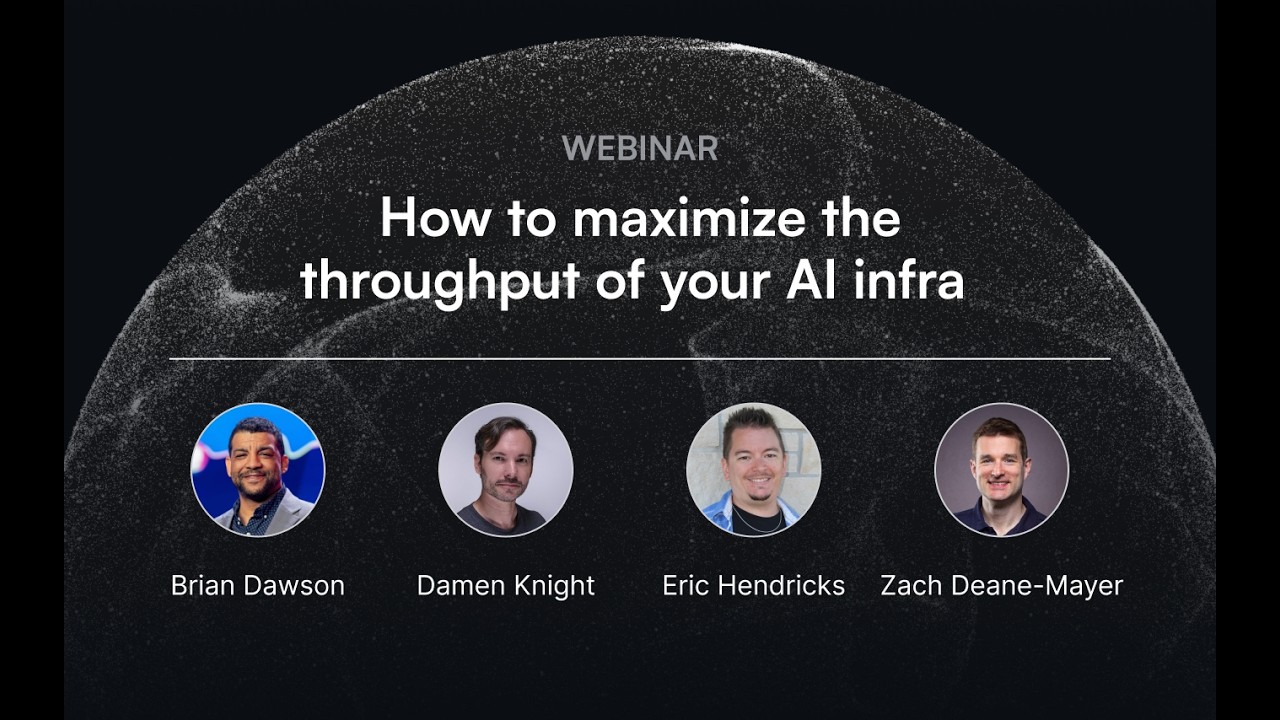
How to maximize the throughput of your AI infra

From Fresh Install to AI Inference in Under 4 Minutes

Getting a GPU box ready for AI workloads is way harder than it should be, and we proved that live on the CIQ Webinar Series on April 2nd.

I brought in Brian Dawson from CIQ product management, Damon Knight (CIQ’s resident AI nerd and automation engineer), and Zach from AI Insight Solutions for an honest conversation about where most organizations actually are when it comes to GPU infrastructure. The short answer: a lot of people started on cloud, found it expensive, bought hardware, and are now figuring out that running AI on prem is a whole different problem.

The demo said everything. We ran a fresh Ubuntu setup through the full stack, including Nvidia drivers, CUDA, the CUDA toolkit, cuDNN libraries, and PyTorch, with Damon copy-pasting commands he spent months refining. Time to first inference: around 13 and a half minutes, and roughly 10 of those were just prerequisites. Compare that to RLC Pro AI, which ships with the validated stack already baked in. Same hardware, same demo code, first tokens in about 3 minutes and 30 seconds.

What makes that difference real at scale is validation. It is not just that the stack installs faster. It is that CIQ actually tested the dependency combinations, recompiled PyTorch with the right flags, and confirmed the GPU is doing the work instead of silently falling back to CPU. Damon’s point about checking Nvidia SMI and seeing 0% GPU utilization hit close to home for anyone who has been there.

If you are building or managing AI infrastructure, this one is worth watching.

Subscribe to The IT Guy Show on YouTube and follow along at itguyeric.com for more Linux, open source, and infrastructure content.